Automated Text Response For Tradespeople
Stop Playing Phone Tag. Start Closing More Jobs.
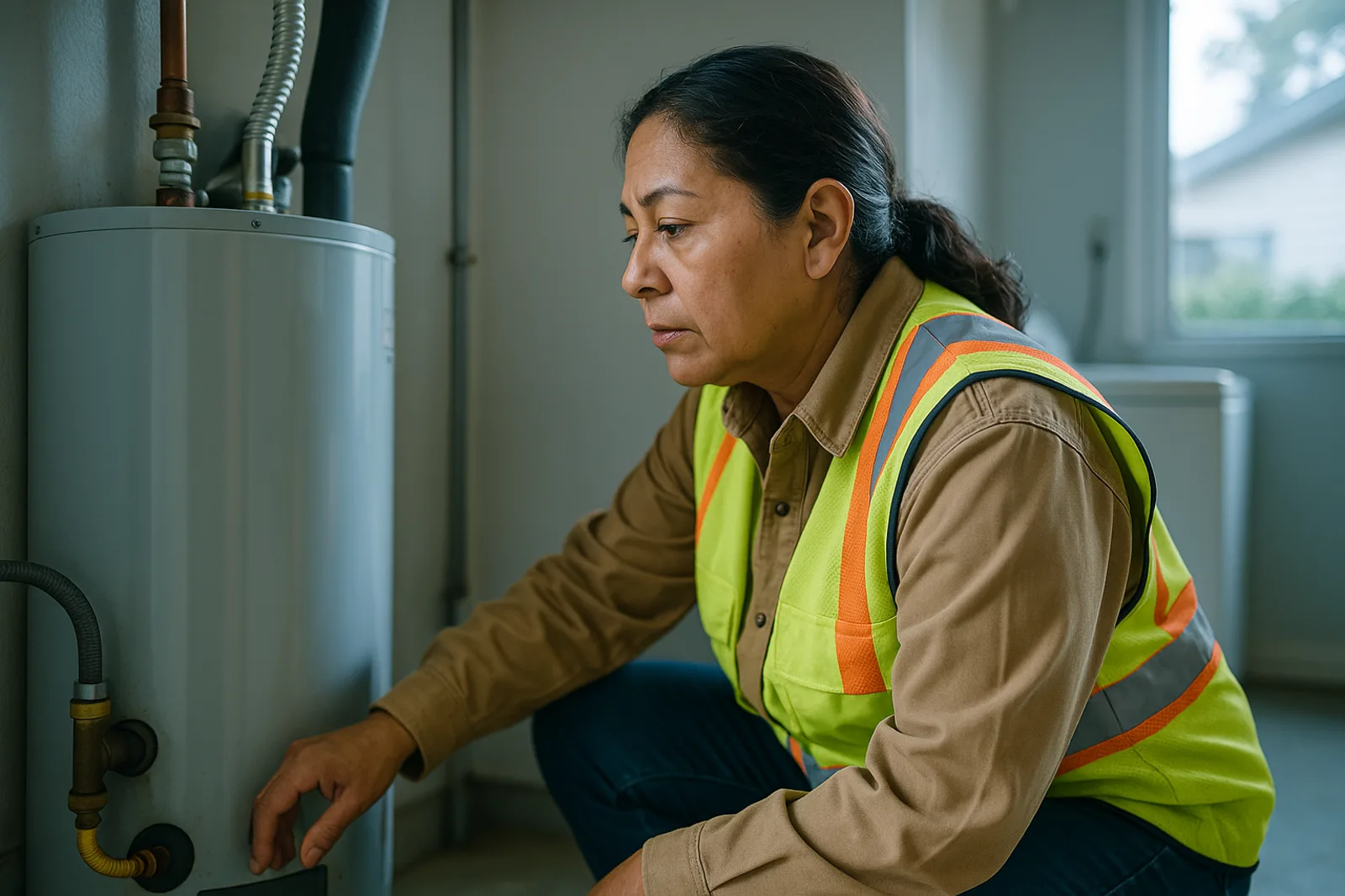
You know the drill. A homeowner sends an inquiry at 8 PM. You're elbow-deep in a drain line or up in somebody's attic. By the time you wipe your hands and check your phone, it's 9:30 — and that lead has already called three other contractors.
Same story, different day. And it's costing you real money.
Here's the uncomfortable truth: 46% of home service leads go to the first responder. If you're not answering within five minutes, you're not even in the race. The contractors who win aren't the cheapest or the most skilled — they're the ones who respond first.
That's where automated text response for tradespeople changes the game. Not a call center. Not a chatbot that pretends to be human. A smart, instant text reply that lets leads know you're available and starts the conversation on your terms.
Let's talk about how it works, why it works, and how you can set it up without making it feel robotic.
Why Speed Is Everything in Home Services
The numbers don't lie. According to multiple industry studies:
Responding within 5 minutes increases lead conversion rates by 400-900% compared to responding after 30 minutes
78% of customers buy from the first company that responds to their inquiry
90% of homeowners expect a response within 10 minutes during business hours
Here's what happens when you're slow: the homeowner posts their request on Nextdoor, texts three plumbers, and books the first one who writes back with a friendly "Hey, I can swing by tomorrow morning — does 9 AM work?" You lost that job because of response time, not price, not quality, not reputation.
Speed is your竞争优势. And automated text response is how you guarantee it without chaining yourself to your phone.
What Automated Text Response Actually Looks Like
Let's kill the misconception: this isn't a clunky chatbot asking "Please select from the following menu options." That stuff frustrates homeowners and makes you look like a faceless corporation.
Effective automated text response for tradespeople works like this:
1. A lead texts your business number — from Google, your website, a referral, or an ad
2. Within seconds, they receive a warm, human-sounding reply. Something like: "Hey, thanks for reaching out! This is Mark's Plumbing — I'm currently on a job but I saw your message. Can you tell me a bit about what's going on? I'll get right back to you."
3. The system logs the lead in your CRM or dashboard with full context
4. You get a notification to follow up — but the clock is already running. The lead has been acknowledged
That first text matters more than you think. It tells the homeowner: "I saw you. I care. I'll handle it." That alone keeps them on the line while you finish your current job.
### What It's NOT
❌ A chatbot that tries to diagnose plumbing issues ("Does your faucet drip? Answer yes or no.")
❌ An autoresponder with a generic "We'll get back to you" that feels like a black hole
❌ Something that requires a degree in computer science to set up
The best automated text responses for tradespeople are simple, human, and make the lead feel taken care of.
The Hidden Costs of Slow Response
Let's put some real numbers on this. Say you run a mid-sized HVAC company and field 50 inbound leads per week.
| Scenario | Response Time | Close Rate | Jobs Booked (Weekly) |
|---|---|---|---|
| No automation | 30+ minutes | ~15% | 7-8 |
| Automated text response | Under 1 minute | ~35% | 17-18 |
| Ideal (auto + fast personal) | Under 5 min | ~50% | 25 |
At an average job value of $350, that's the difference between $2,625/week and $6,125/week in revenue — without changing your marketing spend, your pricing, or your quality of work.
That's over $180,000/year in missed revenue just because you couldn't text back fast enough.
How to Set Up Automated Text Response Without Sounding Like a Robot
Here's a practical playbook for contractors who want to implement this today.
### 1. Use a business phone number, not your personal cell
If you're texting leads from your personal number, you're mixing client conversations with your mother-in-law's birthday plans. Get a dedicated business line — either VoIP or a secondary SIM. Services like Google Voice work fine, but dedicated platforms offer better automation features.
### 2. Write 3-4 response templates that sound like you
Don't write like a corporate marketing team. Write like the person who will actually show up to fix the job.
Template A (Quick inquiry): "Hey, thanks for texting! Got your message about [the issue]. I'm tied up on another job right now but I'll look at your details and get back to you with a time. Hang tight!"
Template B (After-hours): "Thanks for reaching out after hours! We'll follow up first thing in the morning — but if this is an emergency, call [emergency number]. Otherwise, sit tight and we'll get you scheduled."
Template C (Quote request): "Appreciate you reaching out! To give you an accurate quote, could you snap a quick photo of the issue and tell me when works best for a visit?"
### 3. Set business hours vs. after-hours rules
Your automated response should change based on the time of day. During business hours, promise a callback within minutes. After-hours, set the expectation that you'll respond in the morning — but give an emergency option.
### 4. Integrate with your scheduling
The real power move is connecting your automated text response to your calendar. When a lead responds with availability, the system can suggest time slots automatically. You approve. Job booked. No back-and-forth.
The "Human Touch" Objection
The most common pushback we hear: "But I don't want to seem like a robot. People want to talk to a real person."
Fair point. Here's the nuance:
People want to talk to a real person when they need to solve a problem. But they don't need to talk to a real person for a simple acknowledgment. In fact, getting a warm automated text within 30 seconds feels better than getting no response for 20 minutes because you're on a job.
The best approach is hybrid:
Auto-respond with a friendly, personal text immediately
Follow up personally within minutes — not hours
Escalate to voice only when the conversation needs to go deeper
You're not replacing the human connection. You're preserving it by making sure you don't lose the lead before you even get a chance to talk.
Why Tradespeople Are Switching to Text-First
The data is clear on homeowner preferences:
75% of homeowners prefer texting for service inquiries
Text messages have a 98% open rate vs. email's 20%
The average person checks their phone 96 times per day
Homeowners under 40? They'd rather text than call — full stop. They'll text five contractors, pick the one that texts back fastest, and never pick up the phone. If you're not set up to handle text-first leads, you're invisible to an entire generation of homeowners.
The Bottom Line
Automated text response for tradespeople isn't about replacing yourself with software. It's about making sure you never lose another job simply because you were busy doing the work that pays the bills. It's about capturing leads while you're on a roof, in a crawlspace, or asleep.
The contractors who win in 2026 and beyond will be the ones who respond fastest — not the ones with the best trucks or the shiniest website. Speed is the new competitive edge, and automated text response is the simplest way to own it.
You've already got the skills. You've got the reputation. You've got the reviews. All you're missing is the response time.
[Prybar](https://prybar.ai) helps tradespeople automate their lead response so they can stop playing phone tag and start booking more jobs. No call centers. No clunky chatbots. Just smart, instant replies that feel like you — because they were written by you. [See how it works →](https://prybar.ai)
Prybar helps trade businesses never miss a customer text again. Responds instantly, captures leads, books jobs — all while you work. Live in minutes.
Get Started →