Payments
Send a payment link by text. Customer pays by card. Money hits your account. No terminal, no app, no extra hardware.
- →Send payment links by text message — customer taps to pay
- →Works with any credit or debit card — no account needed for customers
- →Money hits your account within 2 business days — standard processing
- →No terminal, no app installation, no extra hardware required
- →Payment links can be sent for invoices, estimates, and deposits
- →Stripe-powered — secure, PCI-compliant, reliable
ClearView Gutters
Text line · online
Invoice #1042 for $480 (gutter cleaning + repair) is ready 💳 Tap to pay securely.
2:58 PM · Auto
Paid! Thanks so much
3:02 PM
✅ Payment of $480 received. Receipt sent to your phone. Thanks for the business!
3:02 PM · Auto
How text payments work
01
Invoice sent by text
When the job's done, the invoice goes straight to the customer's phone — with a pay button built in.
02
They pay in the thread
Cards are stored securely; repeat customers pay in one tap. No portals, no logins, no 'I'll mail a check.'
03
You get notified
Payment confirmation hits your phone the moment it lands. You know before you've left the driveway.
04
Cash flow stays visible
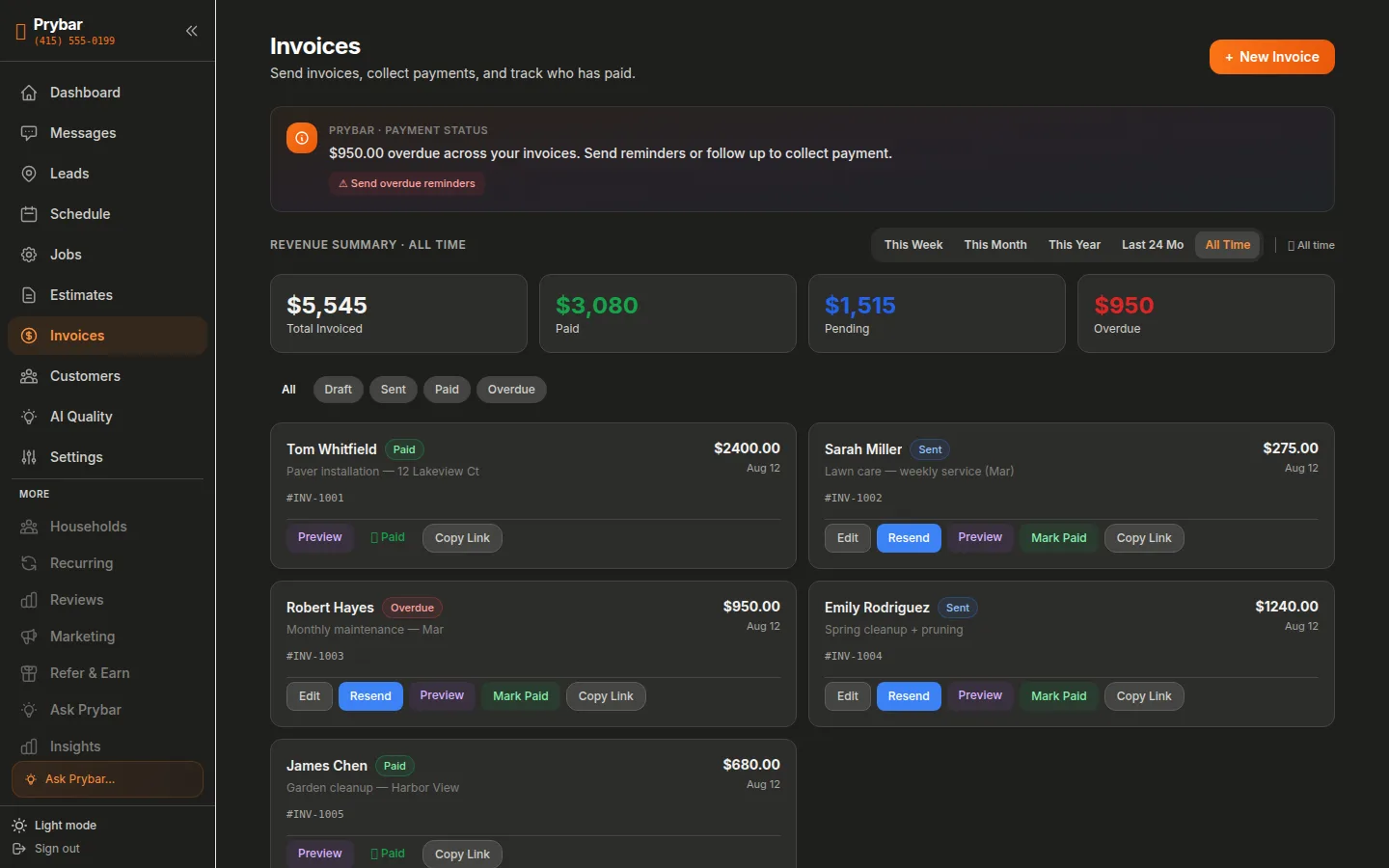
Paid, pending, and overdue all tracked in your dashboard, with automatic reminders on late invoices.
See it in the dashboard
Send an invoice by text, collect by card, get notified the moment it's paid.
Frequently Asked Questions
What are the payment fees?+
Standard card processing rates apply (typically ~2.9% + 30¢). No monthly payment-platform fees, no per-invoice fees.
Are payments secure?+
Yes — card data is handled by Stripe, the same infrastructure banks use. We never see or store full card numbers.
Can customers save a card for later?+
Yes — returning customers can pay in one tap, which is why most invoices are paid the same day.