Team Management
Assign jobs to your crew. They get details by text. Status updates in real-time. No app required.
- →Assign jobs to crew members with one tap from your phone
- →Crew gets job details (address, time, service, notes) by text message
- →Real-time status updates — en route, on site, job complete
- →No app installation required — works with any phone, any carrier
- →See everyone's schedule on a shared calendar view
- →Perfect for 2-5 person crews that don't have an office manager
Metro Plumbing Co.
Text line · online
Is the tech still coming between 2-4 today?
1:47 PM
Yes! Marcus is finishing a job and you're next — I'll send a live tracking link when he's 30 minutes out 🚐
1:47 PM · Auto
Nice. Marcus just marked the previous job done, ETA 25 min.
1:50 PM · You
How team management works
01
Add your crew
Invite techs and office staff by text or email. Each person gets their own login and role.
02
Assign jobs and techs
Route conversations, jobs, and appointments to the right person — with per-role permissions so techs see only what they need.
03
Everyone's in sync
Job status, notes, and customer history update live for the whole team — no more 'who's on this job?'
04
You stay in control
Owner-only views keep billing, settings, and reporting private. Team members handle their lane.
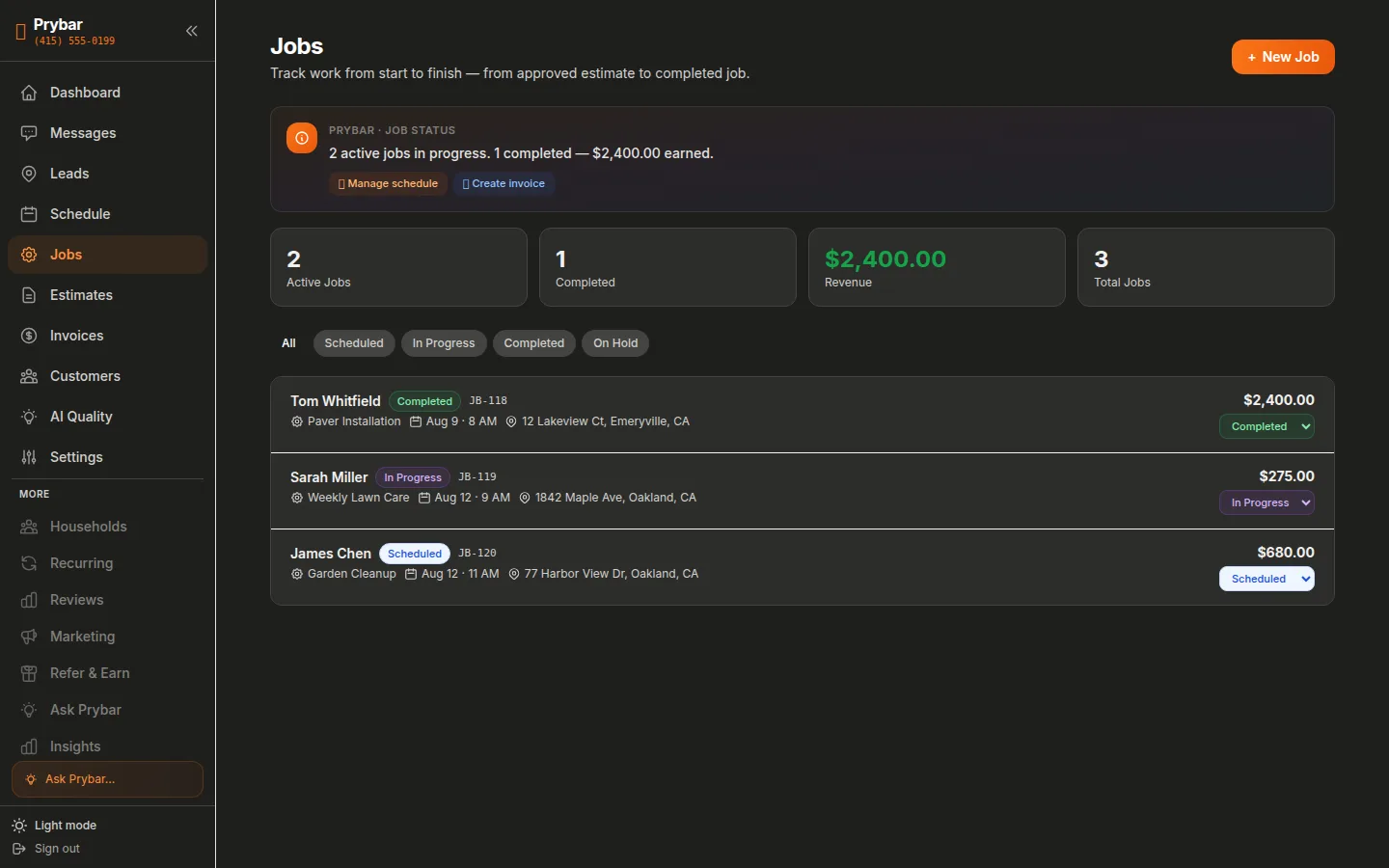
See it in the dashboard
Jobs assigned, techs on the way, everything tracked in one place.
Frequently Asked Questions
What roles can I create?+
Owner, admin, and tech — each with configurable permissions for what they can see and do.
Can techs reply to customers?+
Yes — assign a conversation to a tech and they can text the customer directly from the app, with everything logged.
Is there a per-user cost?+
No — team members are included in your flat monthly price.