Best AI Assistant for Small Contractors: 7 Tools That Actually Save Time
Find the right AI assistant for your contracting business — from scheduling to estimates
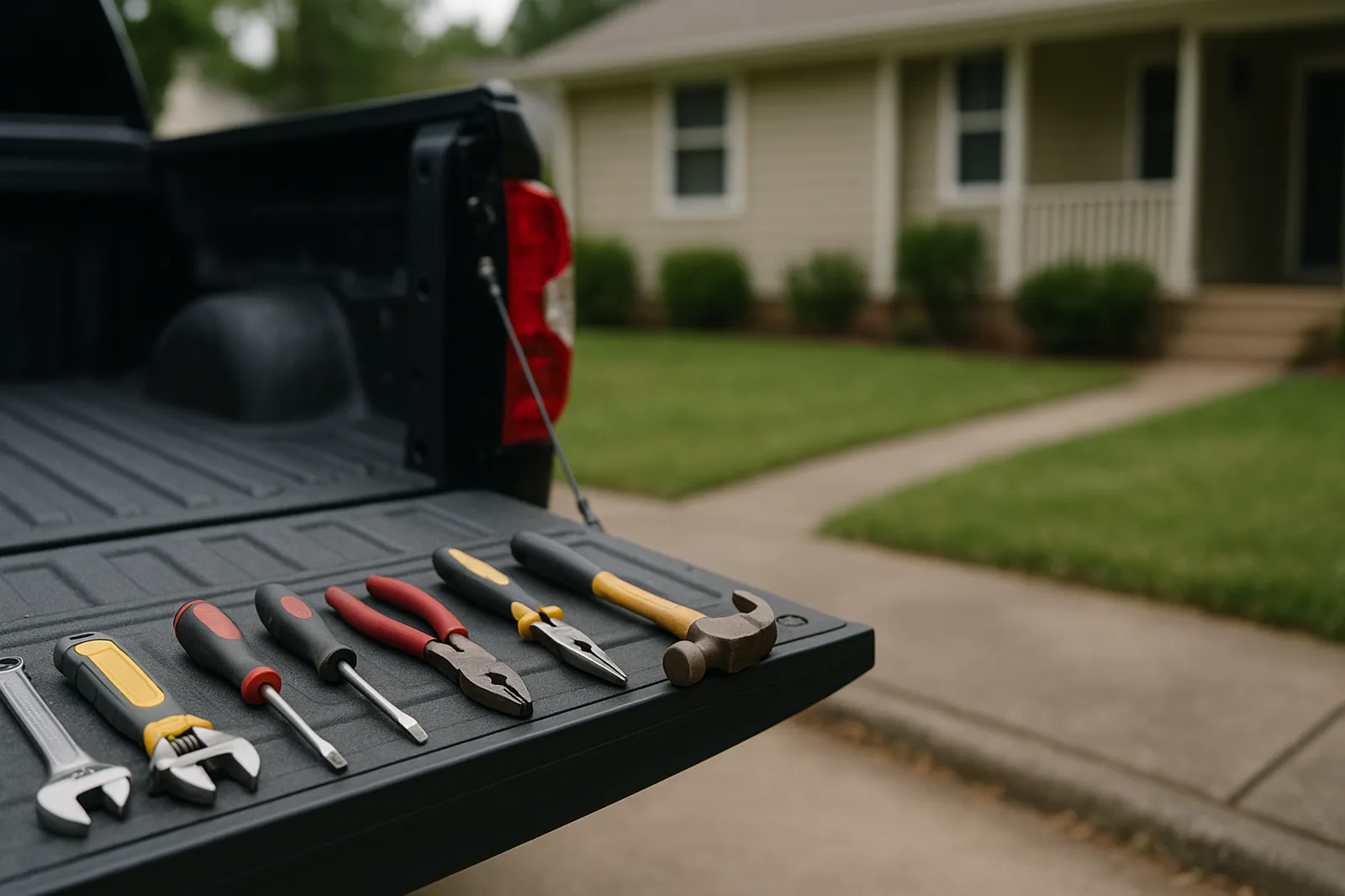
If you're running a small contracting business, you've probably felt it: the creeping weight of admin work eating into the hours you'd rather spend on the job site. Estimates, invoices, client emails, material orders, crew scheduling — it piles up fast.
Enter AI assistants. But here's the thing — not every AI tool is built for the realities of a small contracting business. Some are built for corporate workflows. Others are toys dressed up as productivity tools. So what actually works for a small crew or solo contractor?
Let's cut through the noise. We tested, researched, and talked to actual tradespeople to find the best AI assistant for small contractors — tools that genuinely save time, money, and headaches.
What Makes an AI Assistant Work for Contractors?
Before we dive into specific tools, here's what sets a great contractor AI apart from a generic assistant:
Trade-specific understanding: It knows what a change order is, understands lien waivers, and speaks the language of construction.
Estimate and quote generation: The ability to turn a quick voice note or text into a professional estimate.
Scheduling and dispatch: Crew calendars, weather-aware scheduling, and client appointment booking.
Client communication: Drafting emails, follow-ups, and proposals without starting from scratch each time.
Mobile-first: You're not at a desk. The tool needs to work from your phone on a job site.
With that criteria in mind, here are the top contenders for the best AI assistant for small contractors in 2026.
1. **Prybar — Best All-in-One AI for Tradespeople**
Prybar is built from the ground up for tradespeople — not repurposed from a generic productivity app. It acts as an AI operations assistant that handles estimates, scheduling, client communication, and field documentation under one roof.
Standout features:
AI-powered estimating from voice notes or rough measurements. Describe a job verbally and get a line-item estimate back.
Intelligent scheduling that accounts for job duration, travel time, and material lead times.
Auto-generated client proposals, contracts, and follow-up sequences.
Mobile app designed for job site use — voice input, photo capture, and offline support.
Who it's for: Small to mid-sized contracting crews in electrical, plumbing, HVAC, general contracting, roofing, and landscaping.
Pricing: Starts at a monthly subscription with no long-term contracts. Free tier available for solo operators.
Pros: Purpose-built for construction workflows. Voice-first input saves serious time. End-to-end from estimate to invoice.
Cons: Newer to the market, so some advanced integrations are still rolling out.
Bottom line: If you want one tool that handles the full lifecycle of a contracting job — from "I got a lead" to "paid in full" — Prybar is the strongest option out there.
2. **Buildertrend — Best for Project Management**
Buildertrend has been a heavyweight in construction project management for years. Their recent AI additions bring smart scheduling, budget tracking, and client portal features.
Standout features: AI-powered daily logs, automated change order tracking, financial dashboards.
Who it's for: Established contracting companies with dedicated office staff. Less suited for solo operators.
Pros: Deep project management features. Strong financial controls. Widely adopted.
Cons: Steep learning curve. Overkill for a 1–3 person crew. Pricing scales up quickly.
3. **JobNimbus — Best for CRM + Workflow**
JobNimbus combines CRM and project management with AI-driven workflow automation. It's particularly strong for roofing, solar, and exterior contractors.
Standout features: Automated follow-up sequences, smart lead scoring, AI-generated estimates from photos.
Who it's for: Sales-driven contracting businesses where lead management and follow-up are critical.
Pros: Excellent CRM. Good automation for repetitive tasks. Strong integration ecosystem.
Cons: Less focused on field operations. Not ideal for service-based trades like plumbing or HVAC.
4. **Kickstand — Best for Field Service Management**
Kickstand offers AI-assisted dispatch, route optimization, and real-time crew tracking. It's designed for service contractors who need to manage multiple crews across a territory.
Standout features: Weather-aware scheduling, AI route optimization, automated customer notifications.
Who it's for: Service-based contractors (HVAC, plumbing, electrical) with multiple crews running daily routes.
Pros: Strong dispatch and route optimization. Real-time visibility into crew locations.
Cons: Minimal estimating or proposal features. You'll need a separate tool for quotes.
5. **Pro Crew Schedule — Best for Scheduling**
As the name suggests, Pro Crew Schedule focuses on crew scheduling and time tracking with AI enhancements for conflict detection and shift optimization.
Standout features: AI shift conflict detection, time-off management, GPS-verified clock-in/out.
Who it's for: Contractors with multiple employees who need reliable scheduling without overcomplication.
Pros: Simple, focused, does scheduling well. Affordable.
Cons: No estimating, no CRM, no client communication features.
6. **Invoice2go (now by BILL) — Best for Invoicing**
Invoice2go has been a favorite for solo contractors and small crews who need professional invoicing fast. Their AI features include smart line-item suggestions and payment reminders.
Standout features: AI invoice generation from job notes, automated payment reminders, professional templates.
Who it's for: Solo operators and very small crews who primarily need invoicing and simple estimates.
Pros: Dead simple to use. Professional-looking invoices in seconds. Good mobile app.
Cons: Limited project management. No crew scheduling. No field documentation.
7. **ChatGPT / Claude — Best DIY Option**
Generic AI assistants like ChatGPT and Claude can be surprisingly useful for contractors — if you know how to prompt them well. Drafting emails, writing proposals, and generating content is easy.
Standout features: Flexibility to handle almost any text task. Can learn your business style with custom instructions.
Who it's for: Tech-savvy contractors comfortable crafting prompts and managing their own workflows.
Pros: Extremely affordable. Unlimited use cases. Always improving.
Cons: No trade-specific features. No integration with job sites or crew management. You're building the workflow yourself.
How to Choose the Best AI Assistant for Your Small Contracting Business
The right tool depends on your specific situation. Here's a quick decision framework:
Solo operator → Prybar (free tier) or Invoice2go for basic invoicing, plus a generic AI for email drafts.
2–5 person crew → Prybar or JobNimbus for the balance of estimating, scheduling, and CRM.
6+ person crew with dispatchers → Kickstand for dispatch optimization plus Prybar for estimates and client management.
Roofing or solar specialist → JobNimbus excels at lead-driven workflows in these trades.
Service trades (HVAC, plumbing, electrical) → Kickstand for route optimization or Prybar for an all-in-one approach.
The Bottom Line
The best AI assistant for small contractors isn't the one with the most features — it's the one that actually saves you time on the tasks that eat up your day. For most small contracting businesses, that means:
1. Faster estimates — turning a 30-minute quoting process into 5 minutes
2. Smarter scheduling — less back-and-forth, fewer conflicts
3. Better client communication — professional proposals and follow-ups without the typing grind
Prybar checks all three boxes in a single platform built specifically for tradespeople. If you're ready to stop juggling five different tools and want something that actually understands how your business works, it's worth a serious look.
---
Ready to see how an AI assistant built for contractors can save you hours every week? [Try Prybar for free](https://prybar.ai) — no credit card required.
Prybar helps trade businesses never miss a customer text again. Responds instantly, captures leads, books jobs — all while you work. Live in minutes.
Get Started →