Emergency Text Alerts for Contractors: Never Miss the Urgent Job
How smart text systems spot emergencies, escalate them to you, and keep the customer calm — all at once
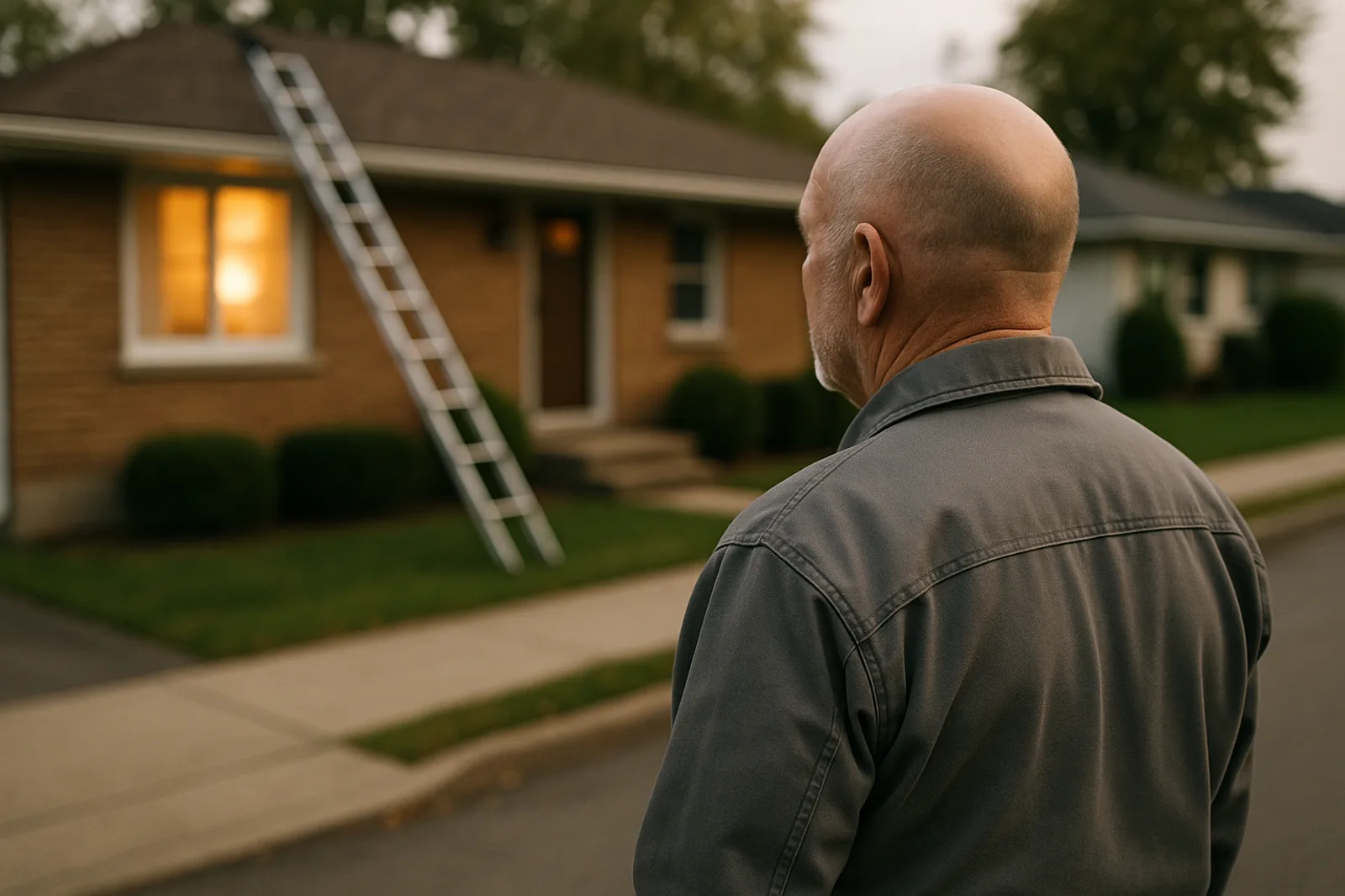
Some customer texts can wait until morning. "What are your hours?" can. "My water heater is leaking into the basement" cannot — and the contractor who answers that one at 9 PM owns the job (and the customer) for years.
The challenge: you can't read every text instantly, and you definitely can't drop everything for messages that aren't urgent. The answer is emergency detection — software that reads the message, decides if it's urgent, and acts accordingly.
What emergency detection looks like
Modern AI text systems scan every inbound message for urgency signals:
Emergency keywords: leak, fire, flood, no heat, gas, smoke, burst, emergency, ASAP, "right now"
Context: a weekend or after-hours message with urgent language matters more
Escalation logic: urgent → ping you immediately; routine → handle it and summarize later
The result is a triage system running 24/7: urgent jobs reach your phone in seconds, everything else gets handled without interrupting you.
What happens on an urgent text
Here's the flow with emergency detection done right:
1. 9:12 PM — customer texts: "Water heater leaking bad, water everywhere"
2. 9:12 PM — the system detects the emergency
3. 9:12 PM — you get a text: "🚨 Emergency: leaking water heater — customer at [address]"
4. 9:13 PM — the customer gets a reply: "Sorry to hear that! We treat this as an emergency — someone will contact you immediately. Can you shut off the water at the main valve?"
5. 9:14 PM — you call, or the system books a morning emergency slot with a premium rate
The customer is handled, the urgency is communicated, and you decide how to respond — but you never discover the emergency at 7 AM.
Why this matters for trades
Emergency work is the highest-margin work in home services:
And the flip side: the contractor who reads the emergency at 7 AM has already lost it — the customer called someone else by 9:30 PM.
What to look for in emergency alerting
1. Real detection, not keyword spam — "not an emergency, just checking" shouldn't ping you
2. Instant escalation to your phone — text, not email, not a dashboard you have to check
3. Customer handling in parallel — the customer gets a reassuring reply while you decide
4. Optional auto-booking — the system can book the emergency slot with a premium rate
This is built into [Prybar's AI text response](https://prybar.ai/features/ai-text-response) — urgent language triggers an instant alert to your phone while the customer gets handled in the thread. Emergencies reach you in seconds; everything else is summarized for your morning review.
The bottom line
You can't be glued to your phone 24/7 — and you shouldn't have to be. Emergency text alerts mean the urgent jobs reach you instantly and the routine ones wait quietly. That's the difference between "the plumber who saved the basement" and "the contractor who read the text at 7 AM."
[See how it works](https://prybar.ai/features/ai-text-response) or [try it free](https://prybar.ai/signup) — send your own business number an urgent text and watch the alert fire.
Prybar helps trade businesses never miss a customer text again. Responds instantly, captures leads, books jobs — all while you work. Live in minutes.
Get Started →